
Game Introduction
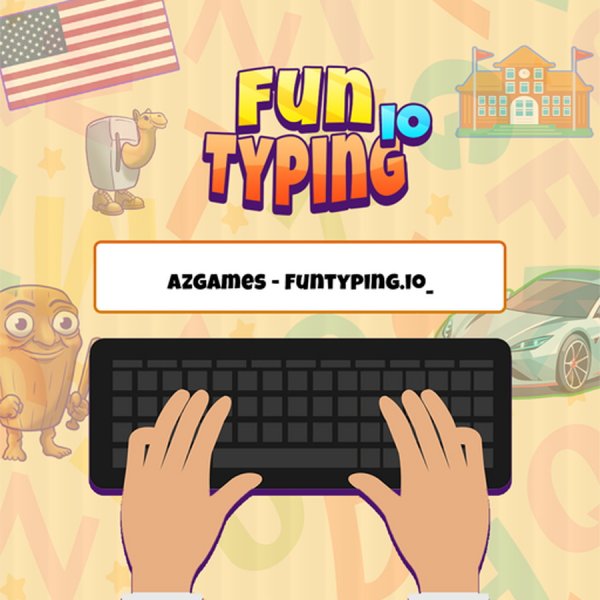
Fun Typing Word Challenge is a fast-paced online typing game that tests your typing speed and accuracy. You can compete against other players in real time or practice on your own. The game offers many themes, including school, emotions, flags, cars, and random mixes. You set the time limit or number of sentences per round. Every correct keystroke earns points, and mistakes turn red so you can fix them. The goal is to type words and sentences exactly as shown, including punctuation and capitalization. At the end of each round, you see your words per minute and accuracy. Your score places you on the leaderboard. This game works on any device with a keyboard and internet connection. It is suitable for all ages and helps improve typing skills in a fun way.
How to Play
To play Fun Typing Word Challenge, start by choosing a mode: multiplayer competition or solo training. Then pick a theme or let the game mix topics randomly. Set your round length by time or number of sentences. When the round begins, a word or sentence appears on screen. Type it exactly as shown, including spaces and punctuation. If you make a mistake, the incorrect letter turns red. You must backspace and correct it before typing more. Keep typing until the timer ends or you finish all sentences. After the round, review your speed, accuracy, and leaderboard position. Use only your keyboard to play. No mouse or touch input is needed for typing.
Game Features
Game features include real-time multiplayer matches, a solo training mode, and many word themes like school, car, emotion, flag, fun, and dialog. The game gives immediate error feedback by turning mistyped letters red. You can customize each round with a time limit or a set number of sentences. The leaderboard shows your rank after every game. The interface is clean and easy to navigate. No account is required to start playing.
Tips for Success
To improve your performance, practice regularly with different themes to build familiarity with various words. Focus on accuracy first, then speed. Use the solo training mode to warm up before joining multiplayer matches. Keep your fingers on the home row and avoid looking at the keyboard. Set short time limits to build speed gradually.







Comments
0 comments